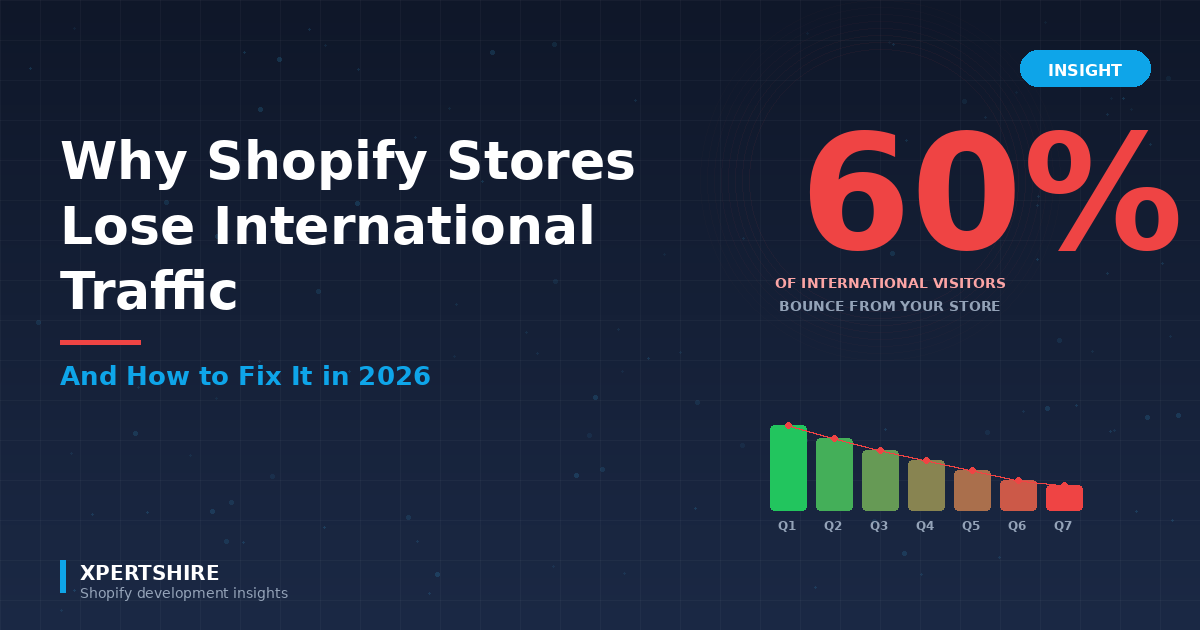
You're looking at your Shopify analytics and notice something painful: 30-50% of your traffic comes from outside your home country. That's a huge audience.
Then you check the conversion rate by country. Domestic visitors: 2.8%. International visitors: 0.4%.
What's happening?
Your international visitors aren't bad customers. They're not less interested in your products. They're hitting friction your domestic visitors never see — friction you might not even know exists. And they're leaving silently.
This guide breaks down the real reasons international traffic bounces from Shopify stores, with concrete fixes you can implement in 2026 (most are free).
Quick Answer
International visitors typically convert at 1/5th to 1/8th the rate of domestic visitors due to seven common friction points: wrong currency display, wrong shipping options, wrong language, wrong product availability, slow international page loads, surprise duties at checkout, and trust issues with unfamiliar regional indicators.
The fix isn't expensive. Most issues can be solved with proper Shopify Markets configuration plus one geolocation app — typically under $10/month total, often free during launch.
The Real Cost of Lost International Traffic
Let's put numbers to this.
If your Shopify store has:
- 10,000 monthly visitors
- 35% from outside your home country (3,500 international visits)
- Average order value: $75
If your domestic conversion rate is 2.8% but international is 0.4%, you're losing approximately:
(3,500 × 0.028) × $75 = $7,350/month potential revenue Actual: (3,500 × 0.004) × $75 = $1,050/month Gap: $6,300/month in lost revenue
That's $75,600/year for one mid-sized store.
Now imagine recovering even half of that gap. That's $37,800/year — paid for by a $5/month app.
Let's break down where that conversion is bleeding.
Reason 1: Wrong Currency Display
This is the #1 conversion killer for international Shopify stores.
When a UK customer lands on your US store, they see:
- $79.99 (instead of £64.99)
Their brain has to:
- Realize this is USD
- Mentally convert to GBP (~£64.50)
- Round to "£65 ish"
- Compare to their mental anchor of "£60 reasonable, £80 expensive"
That mental tax adds friction. Many visitors just leave.
Worse: if they continue to checkout, they might face their bank's currency conversion fee (1-3%) plus their card's foreign transaction fee (1-3%). Actual final cost: £67-70+ vs. the £64.99 they'd have paid on a UK store.
The Fix
Set up Shopify Markets with multi-currency:
- Settings → Markets
- Configure each market with appropriate currency
- Enable Shopify Payments to support multi-currency
- Use Markets Pro if you want Shopify to handle FX rates automatically
With currencies configured, your store automatically displays:
- $79.99 to US visitors
- £64.99 to UK visitors
- €74.99 to EU visitors
- ₹6,299 to Indian visitors
Combined with country redirects (so visitors land on the right market URL), this single fix can lift international conversions 30-50%.
Reason 2: Wrong Shipping Options
A French visitor adds your product to cart, goes to checkout, and sees:
- "Standard Shipping (US): $5.99"
- "Express Shipping (US): $14.99"
They think: "Wait — this only ships in the US? What about France?"
Sometimes they hit "back" hoping for an international option. Sometimes they search your site for "international shipping." Sometimes they just leave.
The Fix
Configure international shipping properly:
- Settings → Shipping and delivery
- Add shipping zones for each region you serve
- Set realistic rates (or free shipping thresholds)
- Display estimated delivery times by region
Bonus: Show shipping calculator on product pages, not just at checkout. Apps can do this, or you can use Shopify Shipping rate calculator on product pages via theme customization.
If you don't ship internationally, communicate that clearly:
- Banner at top: "We currently only ship to USA. Sign up to be notified when international shipping launches."
- Reduces frustration; captures email leads.
Reason 3: Wrong Language
A Brazilian visitor lands on your English store. They speak Portuguese. They struggle with product descriptions. They abandon.
Even if they have decent English, the cognitive load increases. Conversion drops.
The Fix
Set up multilingual support:
- Install Shopify's free Translate & Adapt app
- Add target languages (start with: Spanish, French, German, Portuguese, Japanese)
- Use auto-translation as a starting point, but always manually review key pages:
- Homepage
- Top 20 product pages
- Cart and checkout
- About page
- FAQ page
- Enable browser language redirection (Online Store → Preferences)
Auto-translation has improved dramatically with AI but still makes mistakes — especially on brand-specific terminology, idioms, and humor. Hire a native speaker for $50-200 to review key pages. ROI is fast.
Reason 4: Wrong Product Availability
Imagine: a customer in Mexico finds your store, loves a product, adds to cart, gets to checkout, and sees:
"Sorry, this item doesn't ship to your region."
You just lost not only that sale but their trust forever. They think your store is unreliable.
The Fix
In Shopify Markets, configure products available per market:
- Settings → Markets → Edit market
- Catalog → Customize products
- Hide products that don't ship to that market
Visitors only see what they can actually buy. No frustration at checkout.
For dropshippers especially, this is critical — your suppliers may have shipping limitations you forgot about.
Reason 5: Slow International Page Loads
Your store is hosted in the US. A visitor in Singapore loads your homepage. Your CDN may serve assets from a nearby edge node, but:
- Database queries hit your US-hosted Shopify backend
- Latency: ~250ms each request
- A typical page makes 20-50 requests
- Total added latency: 5-12 seconds vs. a domestic visit
5+ seconds of additional load time = 50%+ bounce rate increase, per Google research.
The Fix
Most of this is on Shopify's infrastructure (which is generally good), but you can optimize:
- Compress images — Use WebP format, lazy-load below-fold images
- Minimize app footprint — Each app adds JS that runs on every page. Audit installed apps; remove unused ones
- Use a fast theme — Dawn 2.0+ is significantly faster than older themes
- Defer non-critical scripts — Analytics, chat widgets, etc. should load after main content
- Cache aggressively — Shopify's CDN caches static content; ensure dynamic content is cache-friendly
Test from international locations using:
- WebPageTest.org (set test location)
- GTmetrix (international test servers)
- PageSpeed Insights (global lighthouse scores)
Reason 6: Surprise Duties and Taxes at Checkout
A visitor from Germany goes through your entire checkout flow. Then at the final screen sees:
"Estimated duties: €23.50" "Estimated import VAT: €15.40" "Total: €189.50"
They thought they were paying €150. Surprise! Cart abandoned.
The Fix
Two options:
Option 1: DDP (Delivered Duty Paid)
Configure Shopify Markets to include duties in the displayed price:
- Settings → Markets → Edit market
- Duties and import taxes → Charge at checkout
Now the price shown includes duties. No surprises.
Option 2: DDU (Delivered Duty Unpaid) with Clear Communication
If you can't bake duties into prices:
- Show estimated duties prominently on product pages, not just at checkout
- Include disclaimer: "Prices exclude estimated duties of 5-12% for [country]"
- Provide a duties calculator
Option 1 (DDP) consistently outperforms Option 2 in international conversion rates.
Reason 7: Trust Issues with Unfamiliar Regional Indicators
A customer in Japan arrives at your US store. They see:
- US flag prominently
- All testimonials from US customers
- "Shipping from Texas" on the product page
- US-specific payment methods (no JCB, no Konbini)
- Customer service hours in EST
These all signal: "This is a US store, not for me."
Trust signals drop. Conversion drops.
The Fix
Show region-relevant trust signals:
- Country-specific testimonials — Display testimonials from customers in the visitor's region first
- Local payment methods — Add JCB for Japan, iDEAL for Netherlands, Klarna for Germany, UPI for India
- Local social proof — "10,000+ orders shipped to Japan" if true
- Local customer service — Even if it's just a contact form, mention "Support available in [language]"
- Local shipping logos — Display the local courier (Yamato in Japan, La Poste in France)
These small signals compound to build local trust.
The Master Solution: Geolocation-Based Personalization
Each fix above tackles one friction point. The most effective approach is geolocation-based personalization — automatically showing the right experience to each visitor based on location.
Tier 1: Native Shopify Markets (Free, Built-In)
What it does:
- Auto-redirect to correct market URL
- Auto-display correct currency
- Auto-translate to browser language (with translations configured)
- Hide unavailable products
What it doesn't do:
- Country-specific popups asking visitors to confirm
- A/B testing different redirect strategies
- Country-targeted promotions
- Country-specific trust signals or testimonials
Tier 2: Shopify Markets + Geolocation App
Adding a quality geolocation app extends control:
- Country flags + Yes/No popups — Ask visitors to confirm their region (improves trust + conversion vs. silent redirect)
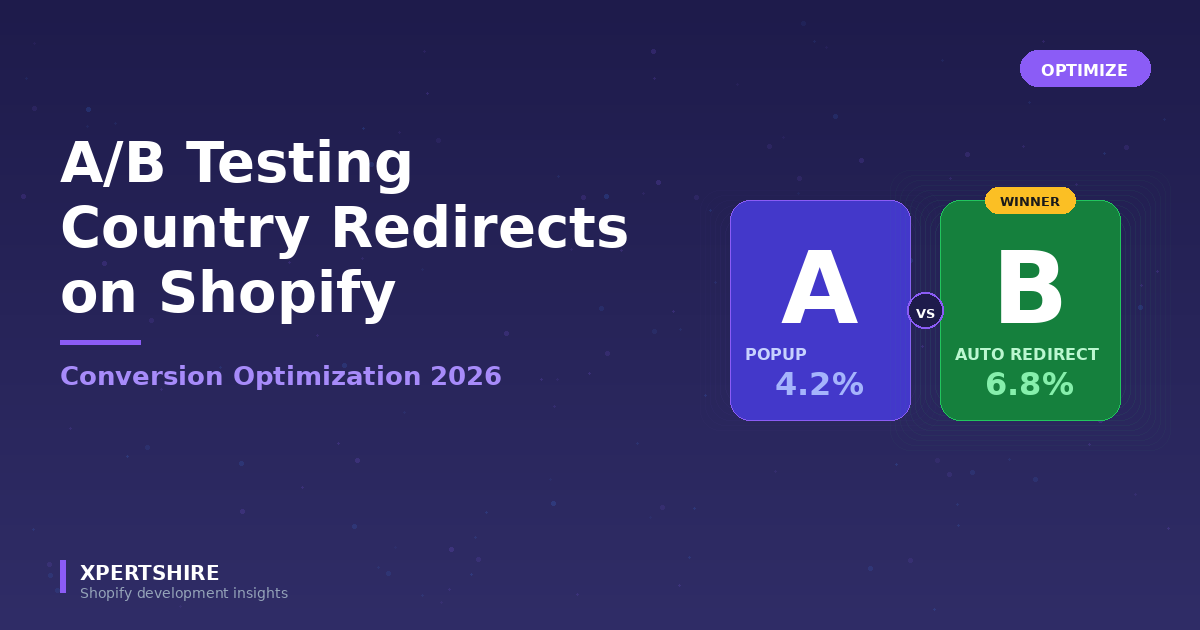
- A/B testing — Compare redirect strategies, find what converts best for YOUR store
- Country-targeted announcement bars — "Free shipping to UK over £50!" shown only to UK visitors
- Country-specific countdown promotions — "Black Friday in Germany: 40% off, ends in 23h 59m"
- Country blocker — Stop fraud-prone regions
- IP whitelist — Test from your office without being redirected
Tier 3: Add Currency, Translation, and Local Payments
Beyond geolocation, the full international stack includes:
- Currency conversion — Shopify Markets + Shopify Payments
- Translation — Translate & Adapt or paid alternatives
- Local payment methods — Available via Shopify Payments per market
- Duties calculator — Markets Pro or third-party
Real-World Impact: A Case Study
A Shopify store I helped audit had:
- 12,000 monthly visitors
- 42% international (~5,000 international visitors)
- 2.4% domestic conversion, 0.6% international conversion
- AOV: $89
Before optimization:
- Monthly international revenue: 5,000 × 0.6% × $89 = $2,670
After implementing the seven fixes (over 3 months):
- Country redirects + currency localization (Month 1)
- Translation for top 5 languages (Month 2)
- DDP pricing + local payment methods (Month 3)
Result:
- International conversion: 0.6% → 1.8% (3x lift)
- Monthly international revenue: 5,000 × 1.8% × $89 = $8,010
- +$5,340/month, $64,080/year
Total optimization cost: ~$200/month in apps and translation. ROI: ~32x.
Implementation Roadmap
Don't try to do everything at once. Prioritize:
Week 1: Free Quick Wins
- Set up Shopify Markets for each region you serve
- Enable native country/region redirection
- Enable browser language redirection
- Configure currency display per market
- Test with VPN
Week 2: Geolocation App
- Choose and install a geolocation app for advanced features
- Set up consent-based popups for EU markets
- Configure country-targeted promotions for top 3 markets
- Add country blocker if fraud is an issue
Week 3: Translation
- Install Translate & Adapt
- Add top 3-5 target languages
- Manual review of homepage, top 10 product pages, cart, checkout
- Hire native speaker for review ($50-200)
Week 4: Shipping & Payments
- Configure international shipping zones with realistic rates
- Set up DDP pricing if possible
- Add local payment methods via Shopify Payments
- Update product page shipping calculator
Month 2: Trust Signals
- Add region-specific testimonials
- Display local social proof
- Add local courier logos
- Customer service hours in multiple time zones
Month 3: A/B Testing
- Test auto-redirect vs. popup vs. banner for top 3 international markets
- Run for 14+ days with significant traffic
- Implement winning strategy
Next Steps
If your international conversion rate is below half your domestic rate, you have a real opportunity.
Start with:
- Audit — what's your current international conversion rate per country?
- Prioritize — which 1-2 fixes have the biggest potential impact?
- Implement — start with free quick wins (Markets, currency, redirection)
- Measure — track conversion changes per market for 30 days
- Iterate — add advanced features (popups, A/B tests, country promotions)
For an all-in-one geolocation solution that includes country redirects, popups, country-targeted promotions, A/B testing, and country blocking — currently free during launch — check out Geo Redirect Xpert.
Have specific international conversion challenges? Drop them in comments — happy to help diagnose.
This guide was last updated May 2026 with current Shopify Markets capabilities and 2026 international ecommerce best practices.